The default keyboard layout
The layout below is the documented default for a single-rider vehicle, using Wheelchair Guy as the reference character. The same arrow keys and Z key apply to every character; only the special ability on the space bar changes.
| Key | On the vehicle | After ejecting |
|---|---|---|
| Up arrow | Accelerate forward | Straighten arms and legs |
| Down arrow | Slow down / reverse | Curl the body into a ball |
| Right arrow | Lean right | Straighten legs, press arms forward |
| Left arrow | Lean left | Push all joints up except the head |
| Z | Eject from the vehicle | — |
| Shift | Rotate the jet clockwise | Raise arm 1 and leg 2 |
| Ctrl | Rotate the jet counter-clockwise | Raise arm 2 and leg 1 |
| Space | Fire the special ability | Grab |
Two things are easy to miss here. First, leaning is a balance control, not a steering control. A vehicle flips because its weight moved too far one way, and the left and right keys are how you move that weight back. Second, the space bar changes meaning the moment you eject, which is why players who eject mid-air often grab instead of doing what they intended.
What the space bar does per character
The special ability is the main thing that separates the roster:
- Wheelchair Guy — fires the jet for thrust, and the jet direction can be rotated with Shift and Ctrl.
- Segway Guy — jumps. This is the single most useful basic movement skill in the game.
- Irresponsible Dad — uses the brake, and can eject the child riding behind him.
- Effective Shopper — jumps from the motorised cart.
- Moped Couple — a short speed boost.
- Lawnmower Man — jumps, and the mower blades destroy what they pass over.
- Explorer Guy — attaches the mine cart to rails.
- Santa Claus — flies the sleigh while the key is held.
- Pogostick Man — a high bounce with a long hang time.
- Irresponsible Mom — the same idea as Irresponsible Dad, with a child at each end.
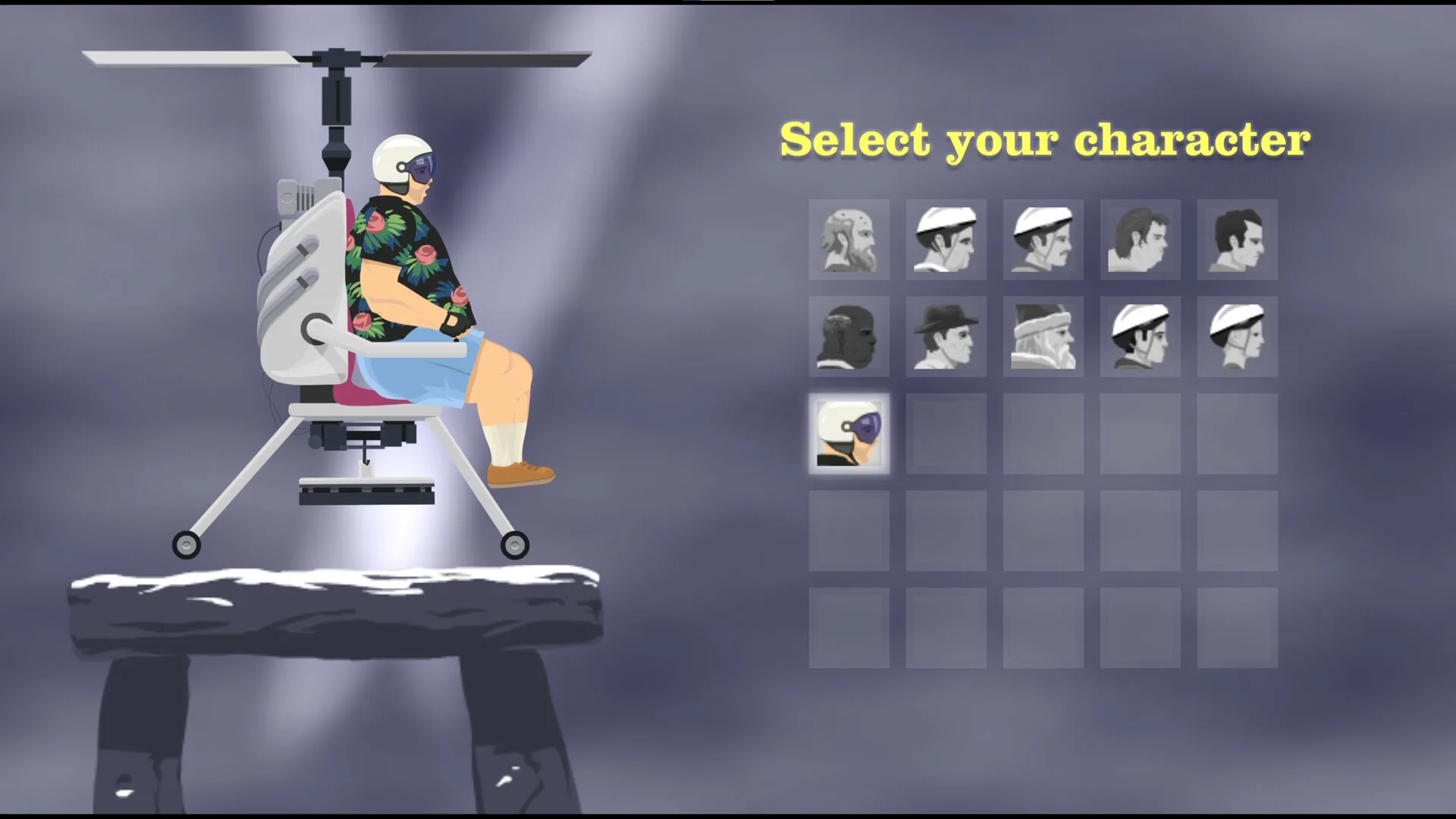
- Helicopter Man — the rotor and a magnet that can carry the character or a limb.
Controller and Steam Deck
The Steam release added controller support, and the store page lists partial controller support with Xbox controllers specifically named. Treat the default controller mapping as a starting point and expect to remap the special-ability button, because that is the input players most often want to move. Players have reported that the controller implementation is the least finished part of the port, and the developer has said controller and Steam Deck improvements are still on the schedule — so check the patch notes before assuming a mapping is final.
Accessibility options the store lists
The Steam store page lists four accessibility features, including custom volume controls, stereo sound, playable without timed input, and a touch-only option. If quick-time precision is the part you struggle with, the “playable without timed input” listing is the one worth checking.
Changing keybinds and fullscreen
Patch 1.99.1 (23 September 2026) made Escape pause the game in addition to Tab, and added F11 to toggle fullscreen. If you remap anything in the Steam release, note the build you did it on, because input handling has been actively patched since launch.
Keyboard vs controller: what actually differs
- Keyboard gives you discrete full presses, which makes lean corrections feel snappy and predictable.
- Controller gives analog lean, which is smoother but makes it harder to know when you have hit the limit.
- For levels built around precise lean timing, many players stay on keyboard. For long driving sections, analog input is usually more comfortable.
Quick reference
| Action | Keyboard |
|---|---|
| Accelerate | Up arrow |
| Brake / reverse | Down arrow |
| Lean back | Left arrow |
| Lean forward | Right arrow |
| Special ability | Space |
| Eject | Z |
| Rotate jet | Shift / Ctrl |
| Pause | Escape or Tab |
| Fullscreen | F11 |